

1/16
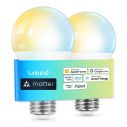

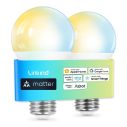


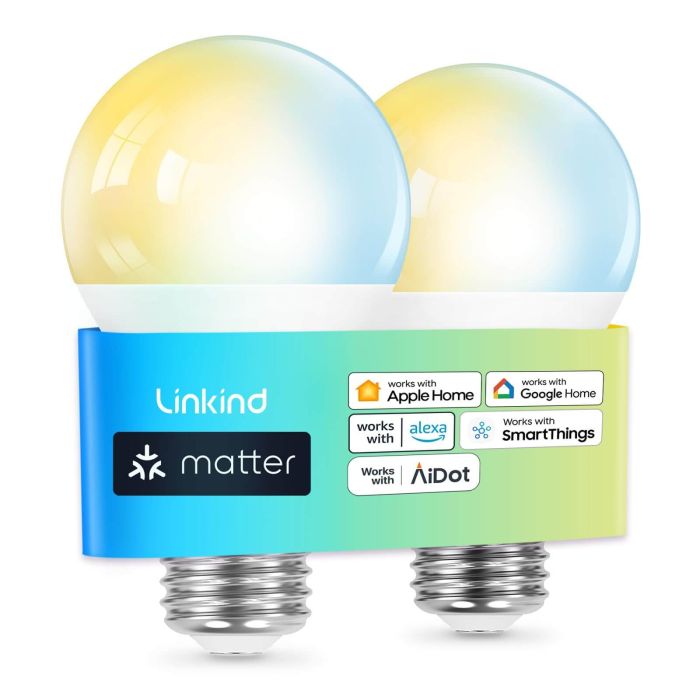
Linkind Matter Smart Light Bulb A19 CCT Tunable White 800lm - 2 pack
Sold Out


Package
Quantity
1
key features
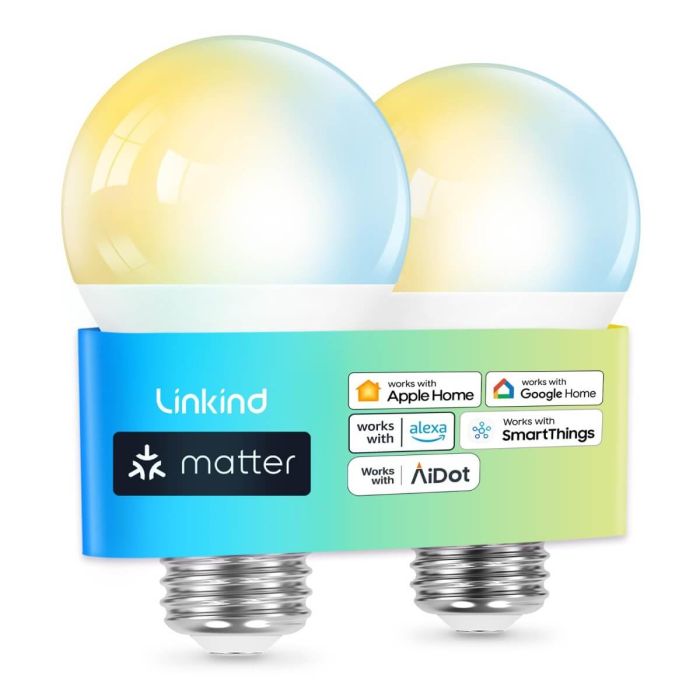
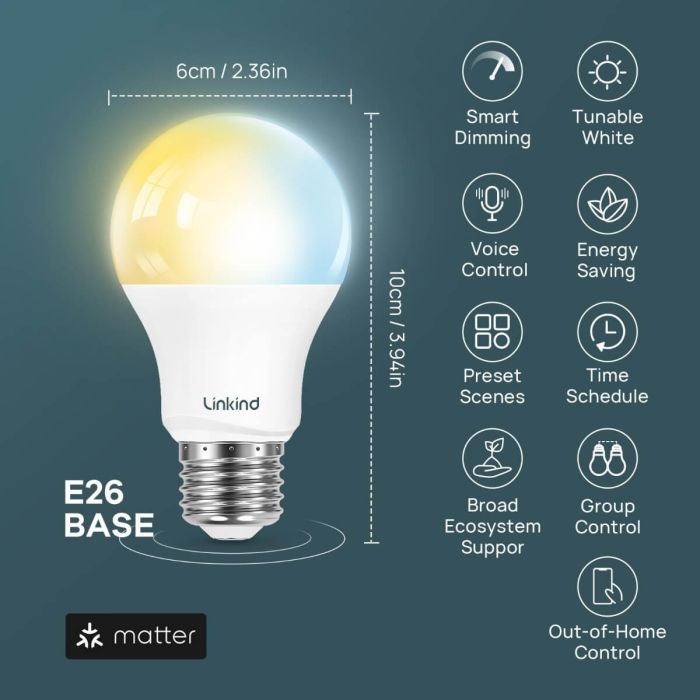
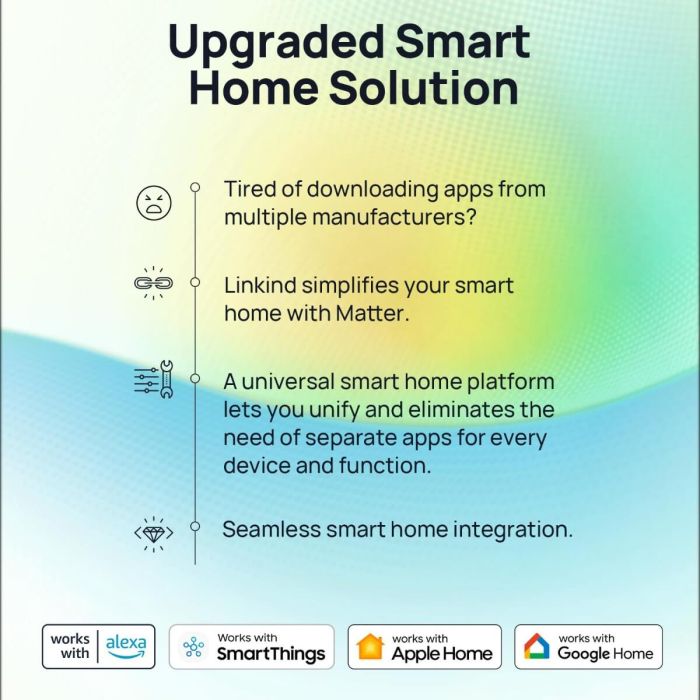
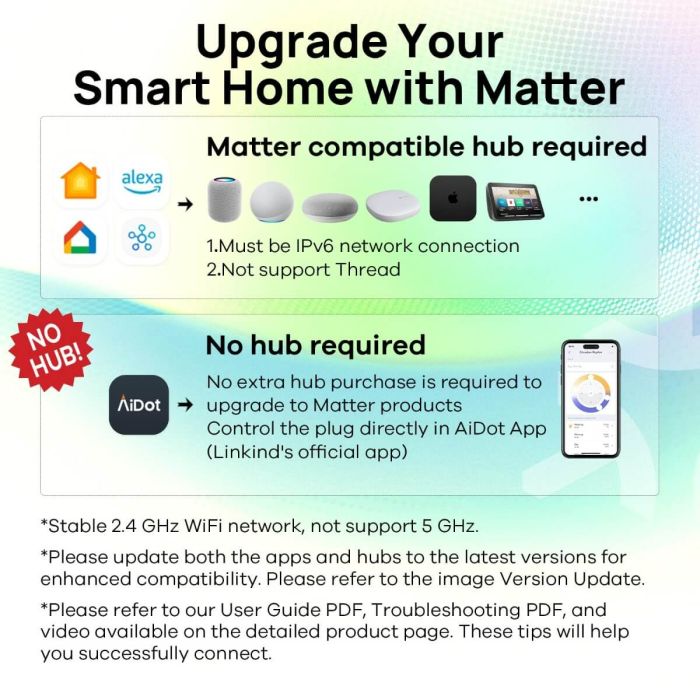
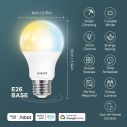
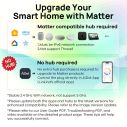
- 【Matter-enabled】With Matter, Skip the step of downloading and registering multiple manufacturers' apps every time you buy a new device. Instead, head straight to certified smart home platforms like Apple Home, Alexa, Google Home, SmartThings, or AiDot to control all your Matter devices.【TIP】Matter-certified hub or controller (HomePod, Echo Dot, Nest, SmartThings Hub) is required for Apple Home/Alexa/Google Home/SmartThings platforms. Alternatively, the AiDot app can be used without hub
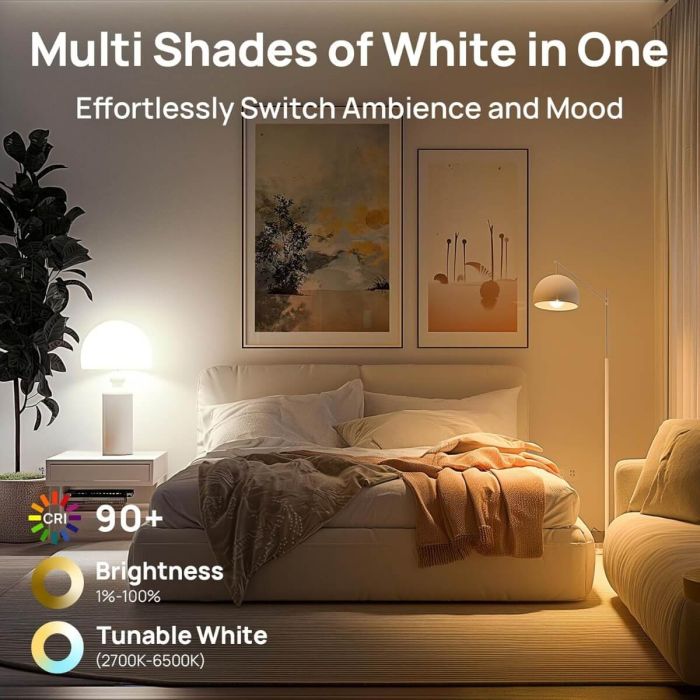
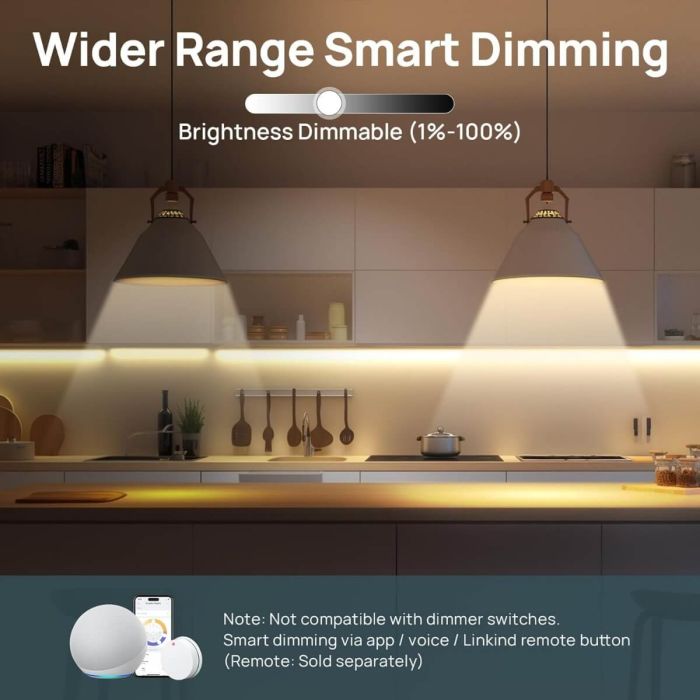
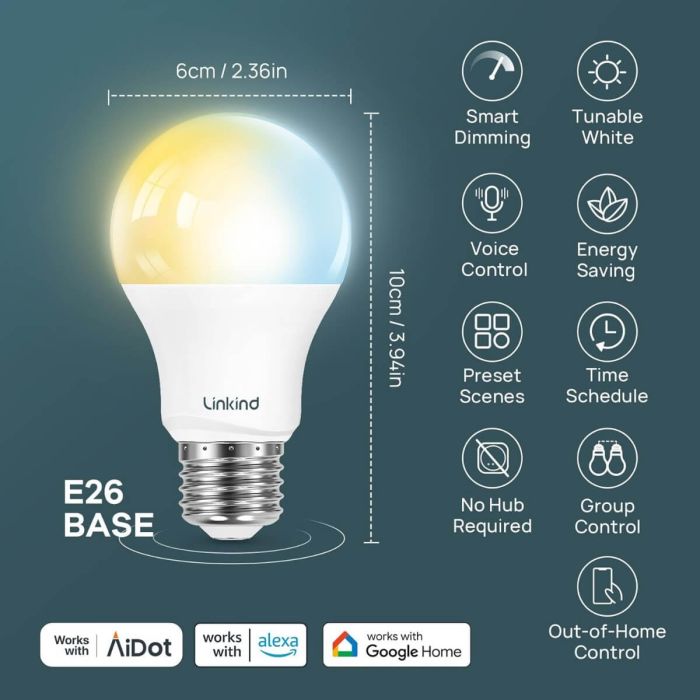
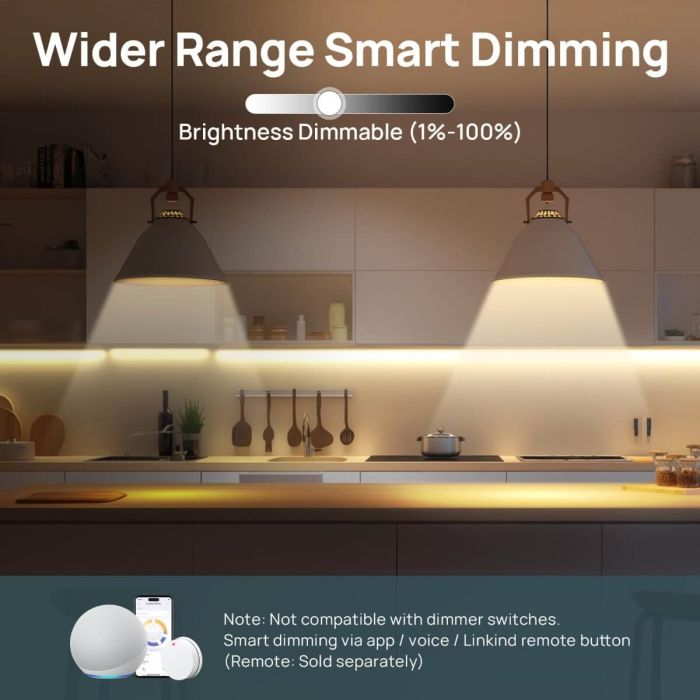
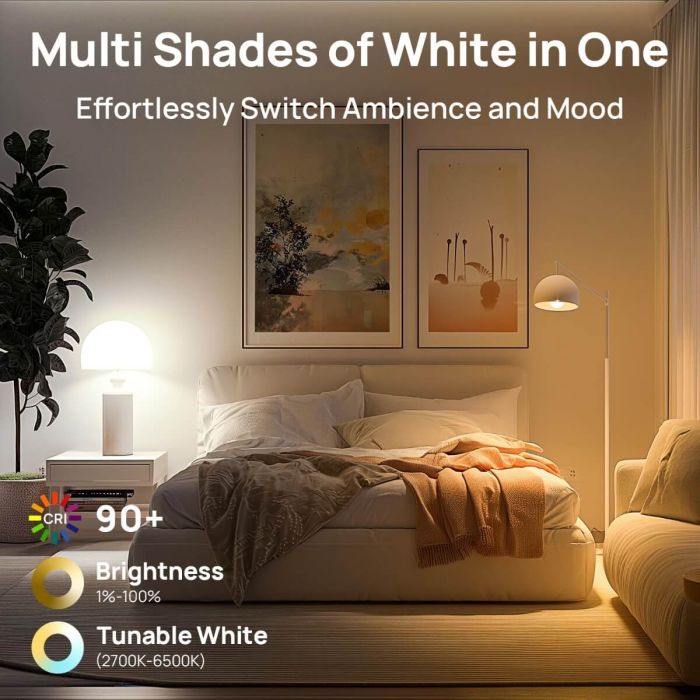
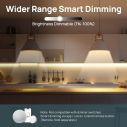
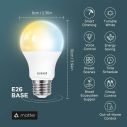
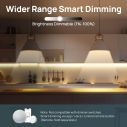
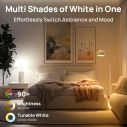
- 【Tunable White & Smart Dimming】Linkind Matter Smart Bulbs (CRI>90) create the perfect ambiance with warm white to cool daylight (2700K-6500K). Smooth dimming from 1% to 100% lets you find the ideal brightness for any activity. NOTE: NOT COMPATIBLE WITH TRADITIONAL DIMMER SWITCHES (MAY CAUSE FLICKER/BUZZ). DIMMING CONTROL VIA AIDOT APP, ALEXA/GOOGLE HOME SMART SPEAKER VOICE CONTROL, OR LINKIND REMOTE BUTTON (SOLD SEPARATELY).
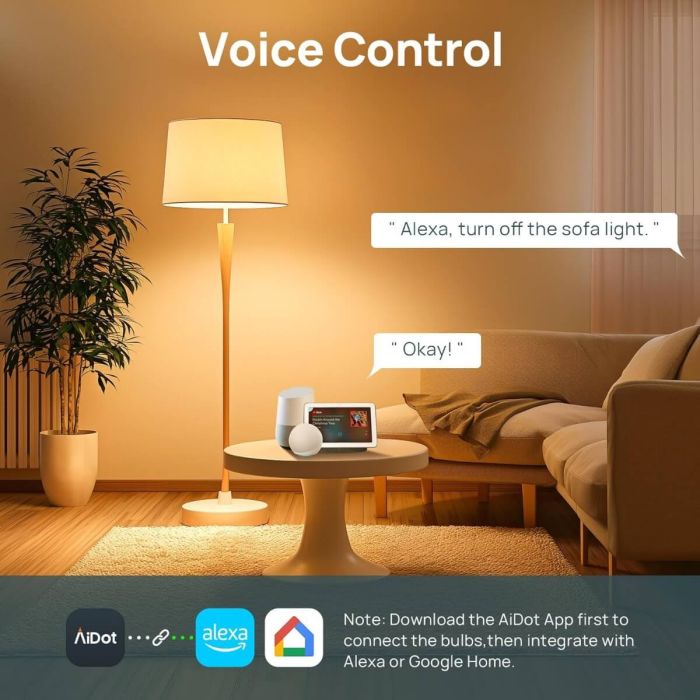
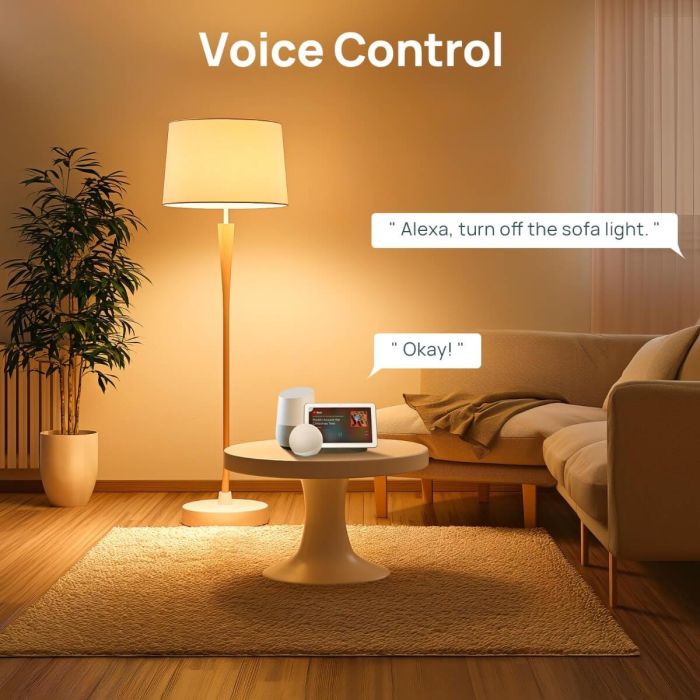
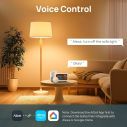
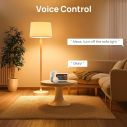
- 【Voice Control】Smart Bulbs That Work with Alexa, Apple Home, Google Home, SmartThings. Enjoy hands-free control using simple voice commands. Amazon smart bulbs turn lights on/off, adjust brightness, and change color temperature with compatible alexa devices for home or Google Assistant devices.
- 【Wi-Fi & Bluetooth Dual Connection】Wifi Bluetooth light bulbs experience faster and more reliable connectivity (2.4GHz Wi-Fi ONLY, NOT SUPPORT 5GHz) Control your lights locally via the AiDot App without a Wi-Fi connection. (INITIAL SETUP REQUIRES BOTH WI-FI AND BLUETOOTH)
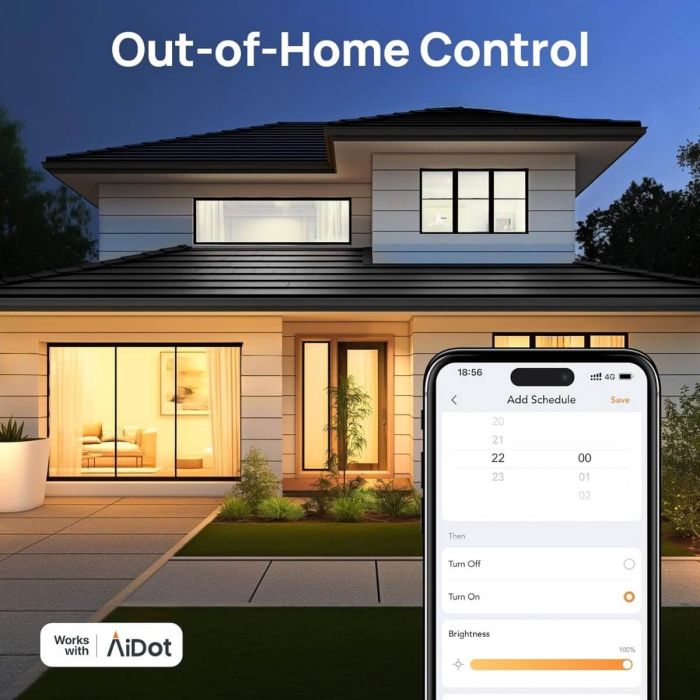
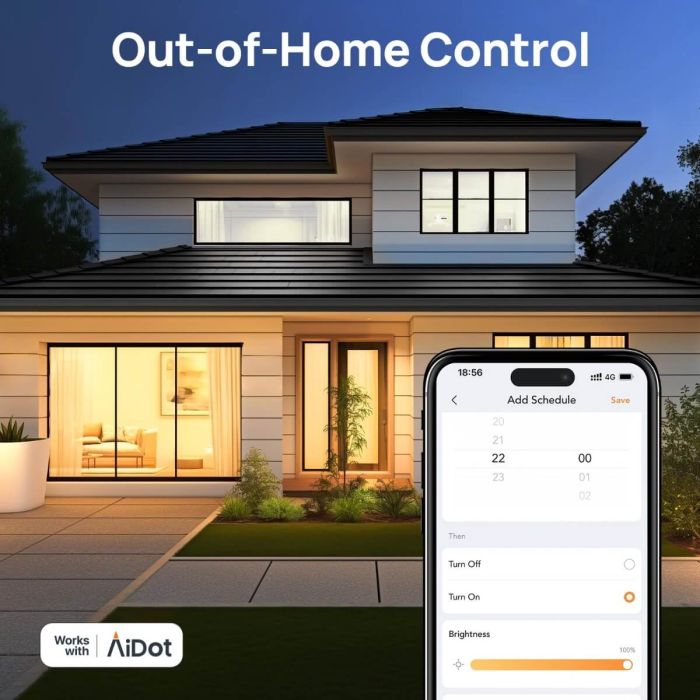
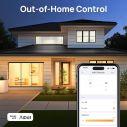
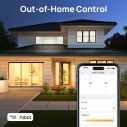
- 【Out-of-Home & Group Control】Linkind AiDot smart lights manage your lights from anywhere with the AiDot App, even when you're not at home. Create groups of lights for simultaneous control.
- 【Time Schedule & Preset Scenes】Set up automated schedules for your led light bulbs to turn on/off at specific times, creating a convenient smart home experience. Choose from a variety of preset scenes, including "Reading," "Family," and "DIY" etc.
- 【High Quality & Energy Saving】Linkind energy-efficient LED bulbs use up to 85% less energy than traditional incandescent bulbs, saving you money on your electricity bill. Monitor light bulb's wattage usage with the AiDot app. With a lifespan of up to 25,000 hours, these bulbs provide long-lasting performance.
 Free & Fast DeliveryLifetime Customer SupportPayment Security60 Days Back Guarantee
LS10002-CCT-NA-2
Specification
Reviews
0.0
☆☆☆☆☆
0 reviews
No reviews yet. Be the first to write one!
 (US) 2-5 days delivery | Free shipping over $10