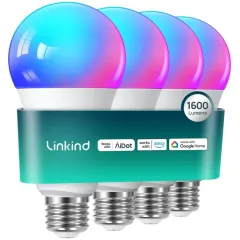
What do I need to prepare before adding Thread network?
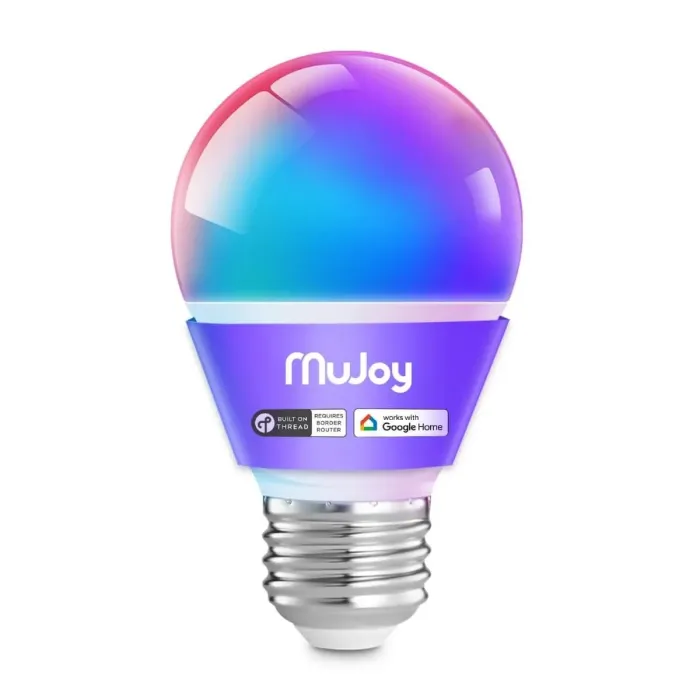
First of all, a Thread network is required, which means a device that supports TBR. Secondly, the mobile phone and TBR need to be on the same 2.4Ghz Wi-Fi network, and the smart led light bulb to be connected is powered on.
How to add the smart light bulb?
1. Open your platform APP; 2. Choose to add a device; 3. Choose to scan the code or enter the Pairing Code; 4. Wait to add, it may take a little longer to add, please wait patiently; 5. Add completed. You can also refer to our connection video.
What should I do if it prompts that the device cannot be found?
The first platform connection requires the smart light bulb to be in a pairable state, and the device will flash R-G-B-W-W when powered on. At the same time, it should be noted that the led bulb must be connected within 15 minutes of powering on.
How to reset the smart bulbs?
After turning on and off 5 times in a row, the led light bulb will enter R-G-B-W-W after the sixth power-on, which proves that the device reset is successful. Note: After the light bulb is reset, it will lose all its network connections.
Can I use the ligth bulbs without thread Border Router?
If there is no TBR yet, you can also use the Aidot APP to control the switch, brightness, color temperature, and color of the device. Aidot will continue to update and increase the control function for LED bulbs.