1. After you have connected your device to AiDot app, go to the Aidotor>Integration>choose Amazon Alexa. 2. Put in your Alexa username and password to connect the two accounts. 3. This enables the AiDot skill within Alexa. (Note: the skill is AiDot.)
How to pair the button with my Smart Light?
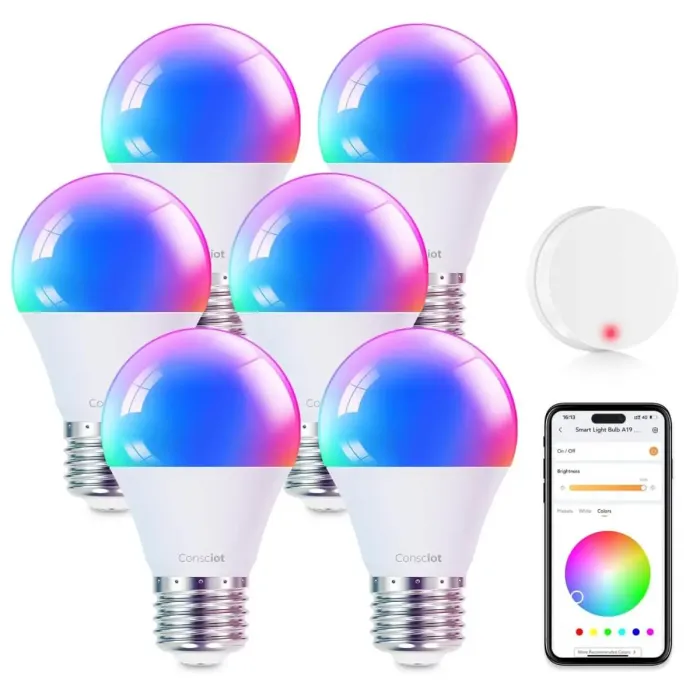
1. Power on the light and make the light and button within the Bluetooth distance. 2. Reset the button and make it in the paring mode. 3. Wait 3-5 seconds, then you can control the light via the button.
How to Connect the A19 Smart Light Bulbs?
1: Light up the light bulbs, open AiDot APP and sign in. 2: Paired the light bulbs Tap "+" on the top right of the APP, choose"Add Device", then tap the"Nearby". 3: Select the "Wi-Fi RGBW A19***" to waitting connect.
How to re-pair a smart light bulb when it is offline?
1: Power on the bulbs. 2: Turn on and off the light for 6 times in a row, the interval is about 1.5s, not too fast or too slow. 3: Turn it on at the 6th time, bulbs will blink twice (RGBW bulb will run a color shift), it means the resetting is done.
Single click to turn them on/off, double click to switch color temperature, long press to adjust brightness.